This site uses cookies for essential analytics. You can accept or reject cookies
This site uses cookies for essential analytics. You can accept or reject cookies
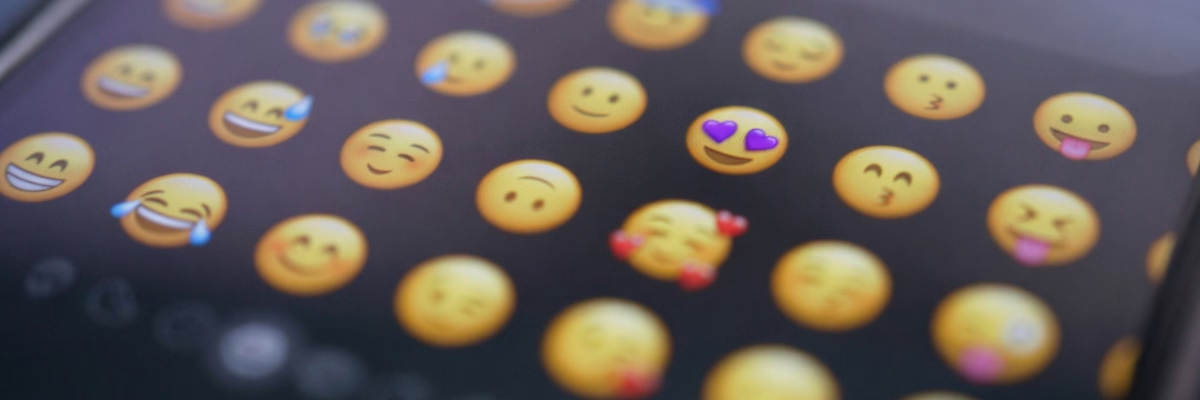
I really like emojis and have used them often. But they can present a challenge for digital accessibility.
In this article you will learn the benefits of emojis, why they can be confusing for certain user groups, and how to make emojis more accessible for blind users and neurodiverse users.
I like that you can use emojis when communicating to show emotion in text. Because I am very visual I find them interesting. They are a visual way of me saying something, particularly expressing emotion, such as by using the purple love heart emoji (my favourite colour) or the thumbs up. It is a simple language I can use to convey meaning without needing to write anything, which can be difficult as a dyslexic person.
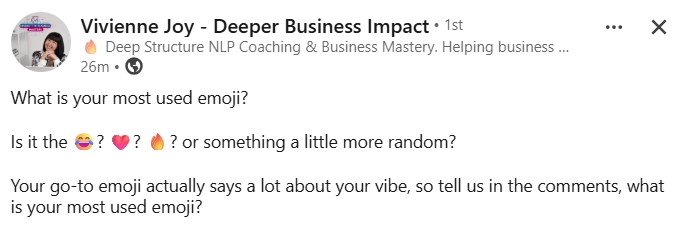
When I see emojis in text, it adds a sprinkle of stardust. It adds something for me and lifts the writing. In my first LinkedIn posts I really liked using them, or when I now talk with ChatGPT it includes emojis in its responses and I love them. However there are accessibility barriers which come with using emojis.
Personally, as a dyslexic person with ADHD, even though I enjoy emojis there are some contexts where I do not want to see or use them. I do not feel they communicate much in long form writing like blog posts because it is not always clear what the emoji is trying to show. Most people use emojis quite simply but I can see how I may read a different meaning into an emoji than what is expected.
Because of these reasons, I tend to only use the emojis featuring hands, faces, and hearts in communication with others. In other writing, such as LinkedIn posts, I may use them more creatively, but I never use it as the total language. This is because:
They also present accessibility issues to certain user groups.
People who use screen readers have a very different experience of emojis than those who do not use this software.
When a screen reader sees an emoji in a piece of text, it will read out loud the name of the emoji followed by any modifiers such as skin tone. For example, this emoji will be read out as “person shrugging medium skin tone”. The screen reader reads the literal description of the emoji. For sighted users, they may see the emoji and hear the screen reader experience. For blind users, they will only hear the screen reader.
This means that when a screen reader user hears an emoji, they will not necessarily hear what the emoji represents, only the name of the emoji. For example, people may use this emoji to represent something that is hot, exciting or trendy. But a screen reader user will only hear it as the literal “fire”, not what it represents.
Screen readers will also read out an emoji every time it occurs, which can create unnecessary noise when you use the same emoji multiple times. This includes if you use an emoji as a bullet point, which is very popular on social media posts, and is extremely annoying to hear as a screen reader user.
Emojis have become something that many people use as decoration in their writing. But every emoji is read out by a screen reader, which can interrupt the flow of information for some users. I recommend keeping your use of emojis to a minimum and using appropriate ways to ensure that screen readers do not describe emojis when they encounter them on your site.
Emojis function as decorative images when a screen reader encounters them. Therefore the best course of action for your own website is to ensure that screen readers do not read them out loud. This way you can use emojis on your site without frustrating screen reader users.
I had to do a lot of research to work out how to hide emojis from screen readers, as it was not obvious. I tried these two methods and used my screen reader to test them.
Your first method is to place a span tag with aria-hidden around the actual emoji in the text. Typically, screen readers will not read this out. This looks like this in your code:
<span aria-hidden="true">💜</span>Your second method is to use a hack in your CSS to 'break' the emoji so it does not get read out. This looks like this in your code:
content: '💜' / '' Another way to use emojis and make them more accessible for screen readers is to only use an emoji where it conveys relevant information rather than just being decorative.
For example, if you wanted to say that you had an idea, you might describe it as “a lightbulb moment” and use the lightbulb emoji in place of the word 'lightbulb'. This ensures sighted users and those using screen readers both understand the meaning of the sentence and receive an enhanced experience.
As a sighted user, if you were to read an article and every few words was an emoji, it would become annoying and it might break up your flow of reading, making it hard to understand. For a blind user, emojis are ten times more annoying and disruptive because the audio description of the emoji is not going to convey the same meaning as the visual emoji, especially when it is used metaphorically. If you know the exact way the emoji will be read out and the context it is in, then it can work. It just requires a lot more effort then when you use one in a message to a friend.

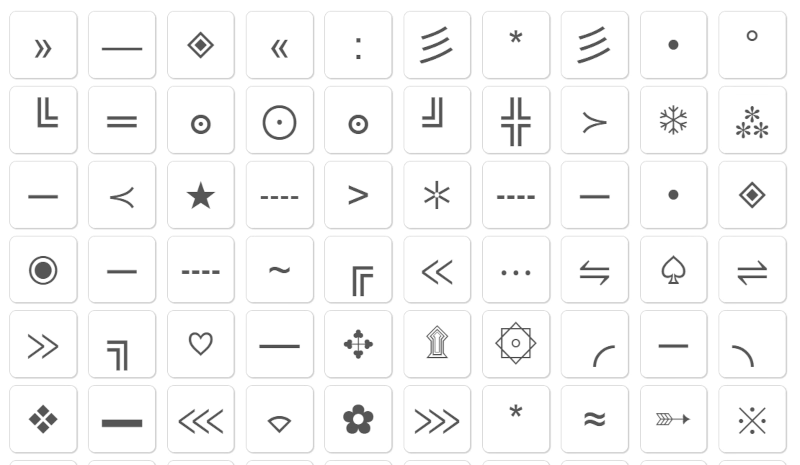
If you are looking for a way to add decoration to your text, you can try using Unicode symbols. Unicode is a system where every character in a font set has a value, and some of these characters can be purely decorative. Some Unicode symbols may be read out loud, such as arrows, but the more decorative and pretty ones like flowers, stars or complex symbols will not be read.
You can see more Unicode symbols on the SymbolSpy website.
It is also important to think about how to make your use of emojis more inclusive to sighted users and users with other types of disability.
If you write a piece using lots of emojis with a few words interspersed, or use obscure emojis, then people will not understand what you are saying. It can be hard to comprehend the meaning of a piece of text if every other word is interrupted by an emoji. Some user groups, such as older people or neurodiverse users, may take the meaning of emojis very literally or be unaware of the multiple meanings certain emojis have, making it hard for them to interpret what you are trying to say. Therefore, use emojis sparingly and choose obvious ones.
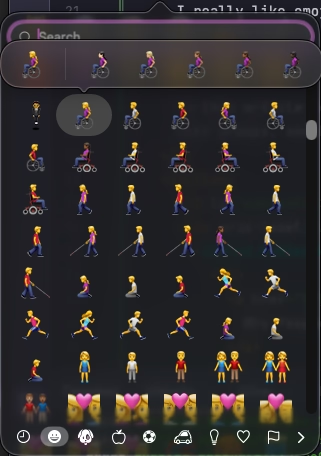
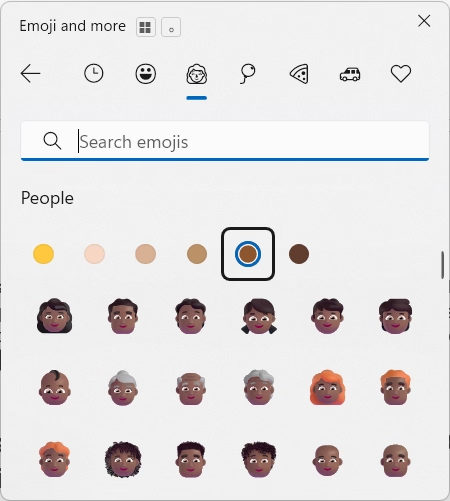
You can also use emojis with different coloured skin tones. I love this because it makes me feel represented. I was not offended by the basic yellow but having a range of skin tones makes me feel included. As a person of colour I actively look for these things and I always go for the emoji that represents my skin tone most closely.
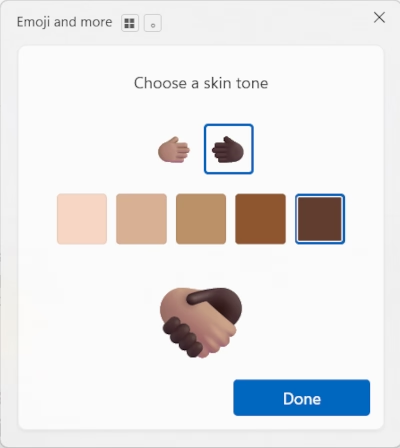
Although some emojis have been available in multiple skin tones for over 10 years, it is only in 2026 that a comprehensive range of skin tones has been available for all emojis. This includes ones such as the handshake where you can choose different skin tones for different components of the emoji. Having a comprehensive range of skin tones and hair colours allows you to choose emojis that are unique for you or your user, empowering them to feel represented in a nuanced way.
On most mobile platforms, if you long press you will be able to select different skin tones for your emojis. To access emojis on a desktop, the shortcut on a Mac is Cmd + Ctrl + Space and on Windows is Win + ..
Another way in which emojis can cause accessibility issues is through animation. When I worked in an office we used Slack as a team messaging platform. There were different channels to be able to chat to each other, which created a lot of noise. There was also an option to use emojis to draw attention to an update. This included an alarm emoji which would flash and spin.
I needed to have Slack open so I would notice if someone was talking to me, and the combination of messages and animated emojis was so overwhelming. The ADHD part of me struggles with concentration, and anything that moves can become a distraction. My eyes move directly to it and I cannot stop that! Eventually Slack introduced a reduced animation option so as soon as I could, I turned off these animated emojis.
On Slack, emojis are animated by default and will autoplay. Even though there are specific Web Content Accessibility Guidelines (WCAG) about animations, because accessibility is always an afterthought, things like animated emojis are often the default.
If you are thinking of using animated emojis on your website, make sure to stick to WCAG rules. The section on Animation, Images & Video in my Guide to Creating Your Small Business Website has more guidelines to help you.
And if you need to use Slack for work, here is how to turn off animated emojis on Slack.
SymbolSpy has a database of unicode characters which offer you a decorative alternative to emojis.
Emoji Kitchen from Google allows you to combine emojis to make fun images. If you use these on your website they will be read as an image, so make sure to follow my guidelines and either write meaningful alt text or leave it empty.
My article on When To Use Alternative Text will help you with writing any alt text for images on your site.
You can use a site like Emojis Wiki or Emojipedia to find all current usable emojis and their unique names that will be read out by a screen reader. You can also use these sites to find out what different emojis can mean in different contexts.
If you found this information useful and need help. Book a Free Consultation